October 29, 2026
Is Webflow Secure? PHP Security Risks and Vulnerabilities
Is Webflow Secure? PHP Security Risks and Vulnerabilities
Website security is a major concern for businesses that rely on their websites to generate leads, attract customers, and build trust. Recent critical vulnerabilities in PHP have renewed concerns about the security of websites that depend on PHP-based servers and applications.
On October 21, 2026, the PHP development team released emergency security updates addressing two critical vulnerabilities, CVE-2026-109618 and CVE-2026-109619. These flaws could allow unauthenticated attackers to execute code remotely on affected servers. The PHP team recommends upgrading to the fixed versions rather than relying on alternative mitigations. Read the official PHP security announcement.
For businesses running PHP-based websites, this highlights the importance of keeping software updated, monitoring security advisories, and maintaining a reliable security process.
But what does this mean for businesses using Webflow?
Webflow does not natively run PHP on its hosted websites, so these PHP runtime vulnerabilities do not automatically make a Webflow-hosted site vulnerable. However, external applications, integrations, APIs, and other services connected to a Webflow site may have their own security requirements.
For businesses considering a website redesign or migration, Webflow offers an alternative to managing a traditional PHP-based website stack for many marketing and business websites. Its managed hosting approach can reduce the amount of server infrastructure that a business needs to maintain directly, although it does not eliminate every security responsibility.
In this guide, we’ll explain the latest PHP security concerns, explore whether Webflow is affected, compare Webflow with PHP-based websites, and outline when a Webflow migration may make sense for your business.
Table of Contents
- What Is the Latest PHP Security Issue?
- What Are the Main PHP Security Risks?
- Is Webflow Affected by PHP Vulnerabilities?
- How Does Webflow Handle Website Security?
- Webflow vs. PHP Websites: Security Differences
- Can Moving to Webflow Reduce Security Maintenance?
- When Should You Consider Migrating to Webflow?
- Webflow Security Best Practices
1. What Is the Latest PHP Security Issue?
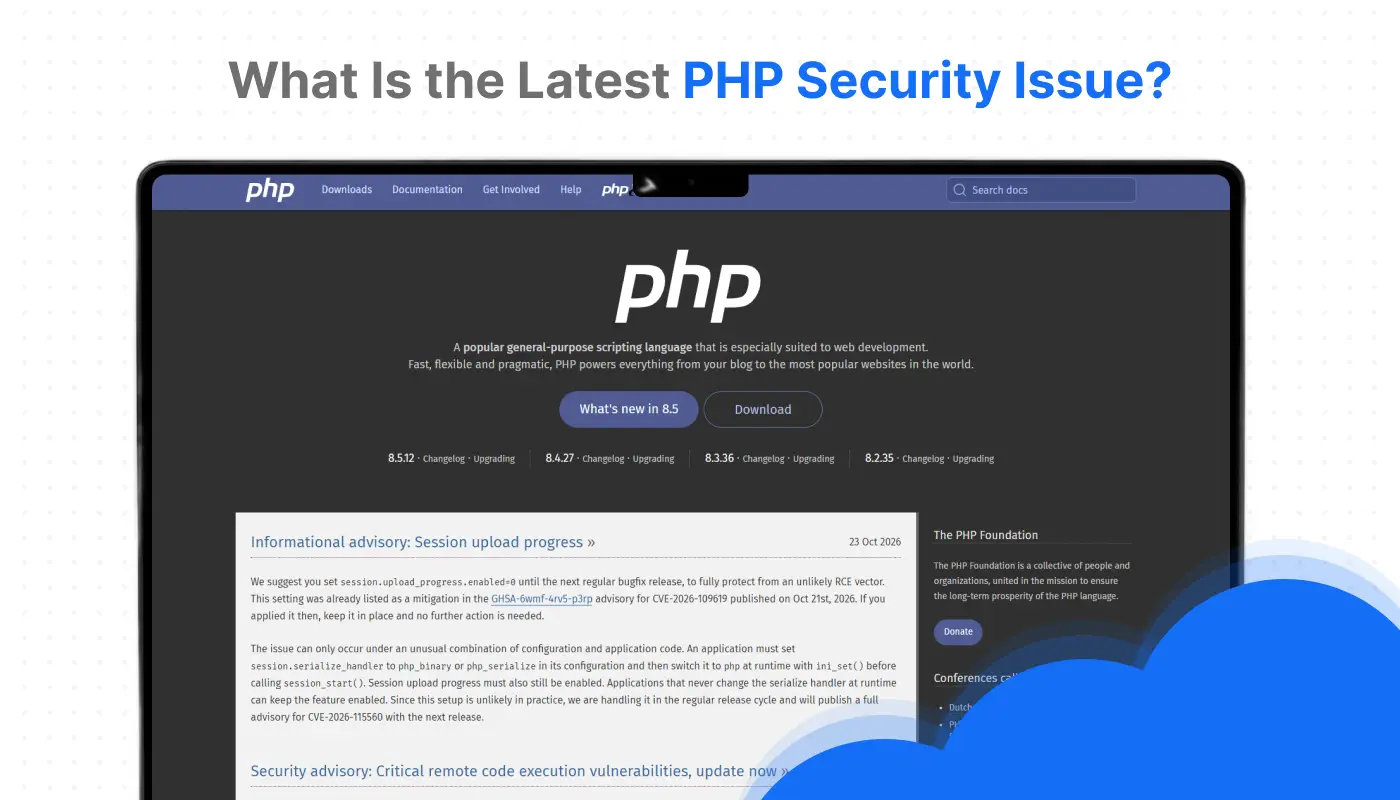
In October 2026, the PHP development team announced two critical vulnerabilities affecting PHP installations that serve web requests. The vulnerabilities were assigned the identifiers CVE-2026-109618 and CVE-2026-109619.
Both issues could potentially allow remote code execution without authentication. This means an attacker may be able to execute code on a vulnerable server without first logging in, depending on the affected environment and attack conditions.
The PHP team published security releases to address these issues.
Which PHP versions include the fixes?
According to the official PHP announcement, the following releases address the two vulnerabilities:
Source: Official PHP security announcement.
Website owners should verify their installed PHP version and check with their hosting provider or technical team to confirm that the appropriate security update has been applied.
Updating PHP is particularly important because the vulnerabilities affect the PHP runtime itself, not just one specific website application. The PHP team identifies installations serving web requests, including PHP-FPM and Apache configurations using mod_php, as being within the affected scope.
What should website owners do?
If your website uses PHP, take these steps:
- Identify the PHP version running on your server.
- Apply the appropriate security update as soon as possible.
- Contact your hosting provider if you cannot manage PHP updates yourself.
- Review server logs and security monitoring for suspicious activity.
- Check official PHP advisories for additional updates or newly disclosed issues.
Do not assume that a website is safe simply because its content management system or plugins are up to date. The underlying PHP runtime may require separate maintenance.
2. What Are the Main PHP Security Risks?
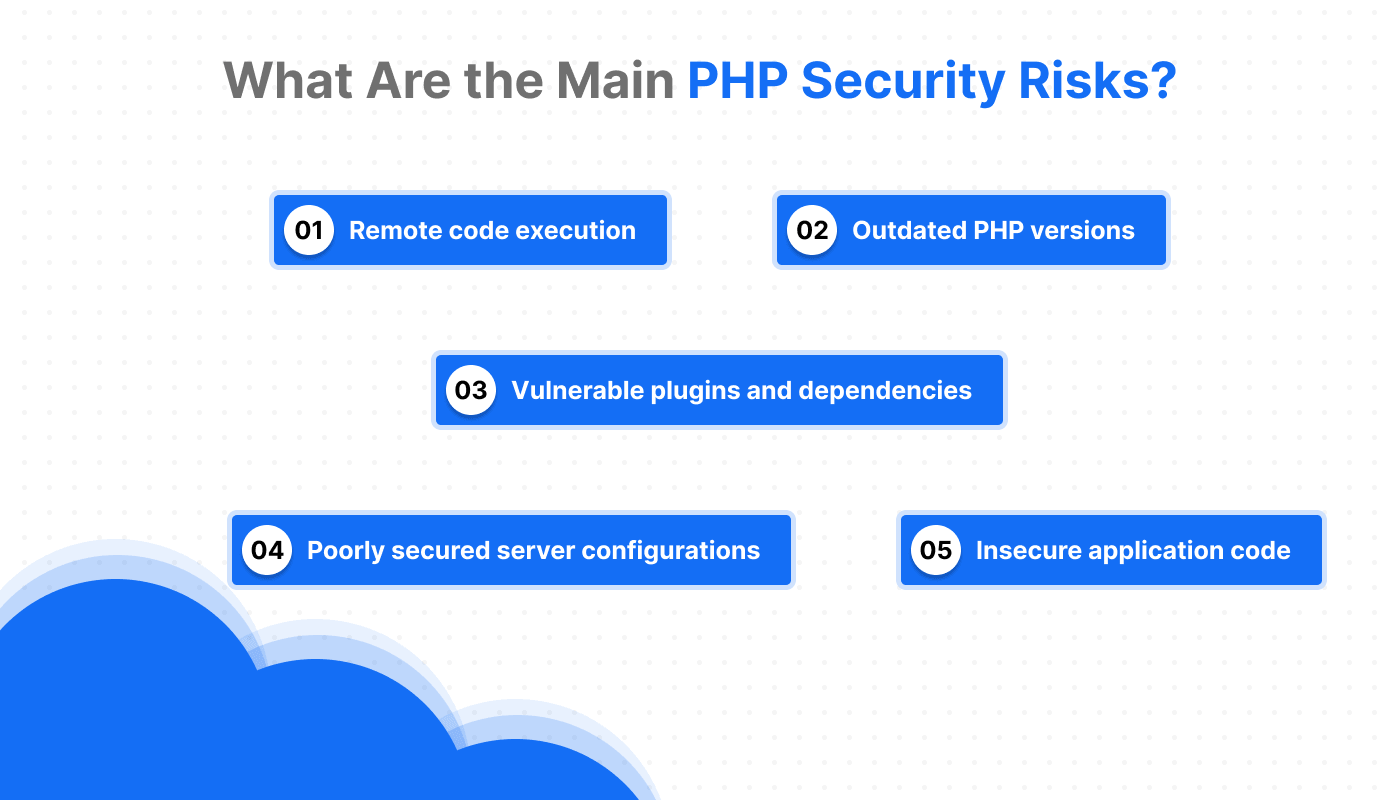
PHP is widely used to build dynamic websites, web applications, and content management systems. It is not inherently insecure, but PHP-based websites require ongoing maintenance across their runtime, application code, dependencies, and hosting infrastructure.
Here are some common PHP security risks.
Remote code execution
Remote code execution occurs when an attacker can cause a server to execute unauthorized code. Depending on the vulnerability and server permissions, this can lead to data exposure, website modification, or further compromise.
The October 2026 PHP vulnerabilities demonstrate why runtime security updates are important.
Outdated PHP versions
Running an outdated PHP version can leave a website exposed to known vulnerabilities that may already have fixes available.
Website owners should monitor PHP's supported versions, apply security patches, and plan upgrades before their current version reaches end of life.
Vulnerable plugins and dependencies
PHP-based content management systems and applications often rely on plugins, themes, libraries, and third-party packages.
A vulnerable dependency can introduce security problems even when the PHP runtime itself is fully patched. Regular dependency reviews and removal of unused extensions can help reduce this risk.
Poorly secured server configurations
Misconfigured permissions, exposed administrative interfaces, weak credentials, and unnecessary server services can increase a website's attack surface.
Security depends on the complete environment—not just the programming language being used.
Insecure application code
Applications can introduce risks through SQL injection, cross-site scripting, insecure file uploads, weak authentication, and insufficient input validation.
Developers must follow secure coding practices and test applications regularly to identify these weaknesses.
3. Is Webflow Affected by PHP Vulnerabilities?
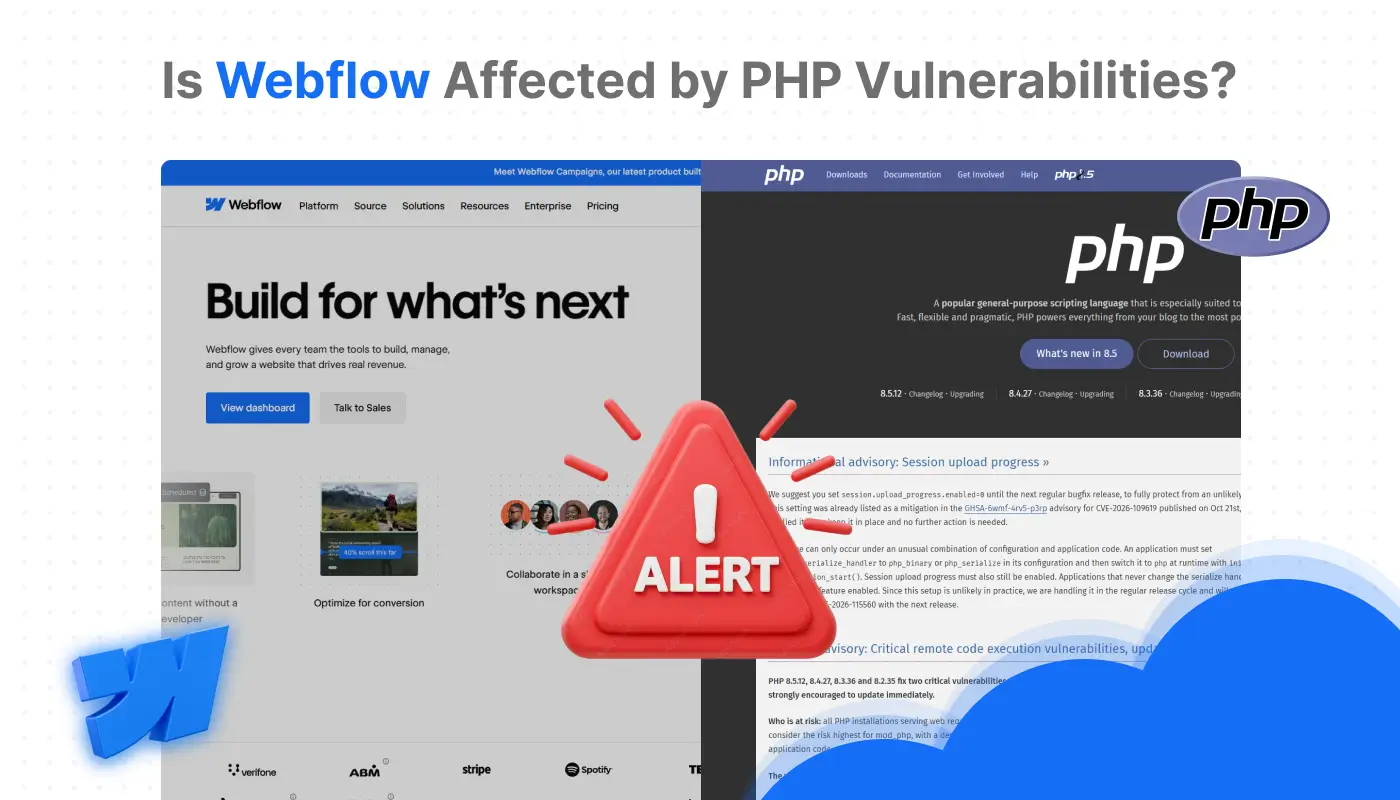
A website hosted directly on Webflow is not automatically affected by PHP runtime vulnerabilities because Webflow does not natively execute PHP on its hosted pages.
Webflow provides a hosted website platform for designing, publishing, and managing websites. Its standard publishing workflow does not require website owners to install or patch a PHP runtime on their own web server.
This creates an important distinction between a Webflow-hosted marketing website and a traditional PHP-based website.
What if your Webflow site uses external services?
A Webflow website may connect to external tools, APIs, form-processing services, custom applications, or other backend systems.
If one of those services runs PHP, it may still require PHP security updates. Moving the front end to Webflow does not automatically secure a separate application or backend.
For example:
- Webflow-hosted marketing pages: PHP runtime vulnerabilities do not automatically apply to the hosted pages.
- An external PHP application: The application still needs its own security updates.
- A third-party API: Its security depends on the provider's infrastructure and maintenance.
- Custom integrations: These should be reviewed for authentication, permissions, data handling, and dependency risks.
Businesses should evaluate the entire technology stack before assuming that a platform change resolves all security concerns.
4. How Does Webflow Handle Website Security?
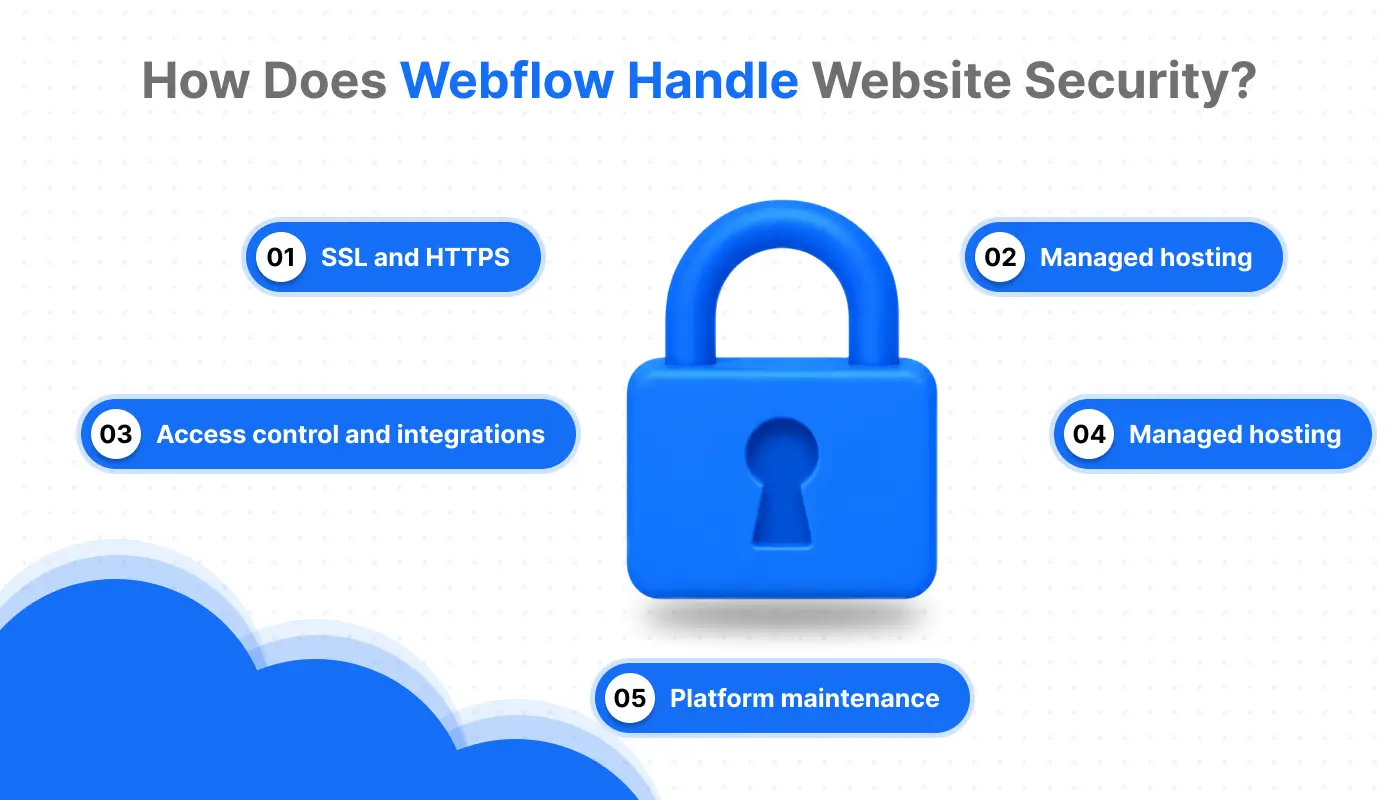
Webflow provides managed hosting for websites published on its platform. This can reduce the need for businesses to administer a separate web server for their standard marketing websites.
However, managed hosting is not the same as complete protection against every possible attack.
Managed hosting
With a traditional self-managed website, the business or its hosting provider may be responsible for maintaining server software, applying operating system updates, managing PHP versions, and configuring the web server.
Webflow's hosted approach reduces the infrastructure that website owners need to manage directly for standard published sites.
SSL and HTTPS
HTTPS encrypts data transferred between a visitor's browser and a website. Webflow supports SSL hosting for published websites, helping businesses provide secure connections.
Website owners should confirm that their custom domains and redirects are configured correctly and that visitors consistently reach the HTTPS version of the site.
Platform maintenance
A managed platform handles parts of the underlying hosting environment, reducing the need for customers to maintain their own web server software.
Businesses still need to maintain their website content, review permissions, manage integrations, and respond to security issues involving their own accounts or connected services.
Access control and integrations
Secure account access, appropriate publishing permissions, and careful integration management are also essential.
For current information about available features and their configuration, consult Webflow's official Help Center.
5. Webflow vs. PHP Websites: Security Differences
Webflow and PHP-based websites serve different purposes, so the right choice depends on your website's functionality, architecture, and maintenance requirements.
A PHP website can be secure when it is properly developed, hosted, and maintained. Similarly, using Webflow does not automatically guarantee that a website is secure.
The key difference is the amount and type of infrastructure your team must manage.
6. Can Moving to Webflow Reduce Security Maintenance?
For businesses whose websites primarily serve marketing, branding, lead generation, and content publishing purposes, moving to Webflow may reduce certain infrastructure maintenance responsibilities.
A traditional PHP-based website can require ongoing coordination between developers, hosting providers, and internal teams to manage runtime versions, software dependencies, server configurations, and security patches.
With Webflow's managed hosting, businesses can reduce the need to manage a separate PHP runtime for the standard website itself.
Potential benefits of a Webflow migration
Less direct server administration: Your team does not need to maintain a PHP runtime for standard Webflow-hosted pages.
Simpler website publishing: Marketing teams can manage much content and design updates through Webflow without relying on a custom server deployment workflow.
Reduced dependency on website plugins: Depending on the original website and the new implementation, a migration may reduce reliance on certain third-party plugins and their update schedules.
More focus on business goals: Teams can spend more time improving landing pages, conversion rates, content, and user experience instead of managing infrastructure.
These benefits depend on the existing website and the migration plan. A website that depends on a complex PHP application may still need that application after its marketing pages move to Webflow.
What Webflow migration does not solve
A migration does not automatically fix compromised accounts, insecure APIs, exposed customer data, weak authentication, or vulnerabilities in external applications.
Businesses should assess which functionality belongs in Webflow, which services should remain external, and which systems require independent security maintenance.
7. When Should You Consider Migrating to Webflow?
A Webflow migration may be worth considering if your current website is difficult to maintain or requires more infrastructure management than your business needs.
Consider reviewing your current platform if:
- Your marketing team depends on developers for routine content updates.
- The website requires frequent server or plugin maintenance.
- The website has accumulated unnecessary plugins and dependencies.
- Your current CMS makes landing page creation and design changes difficult.
- You want to improve website performance, user experience, and conversion paths.
- Your business website does not require a custom PHP backend for its core functionality.
However, migration is not always the right answer. If your website relies on complex application logic, authenticated workflows, or PHP-specific functionality, you may need to retain a backend or redesign the system architecture.
Before migrating, document your current URLs, redirects, content, metadata, forms, integrations, analytics, and critical user journeys. A carefully planned migration can help protect search visibility and avoid disrupting lead generation.
8. Webflow Security Best Practices
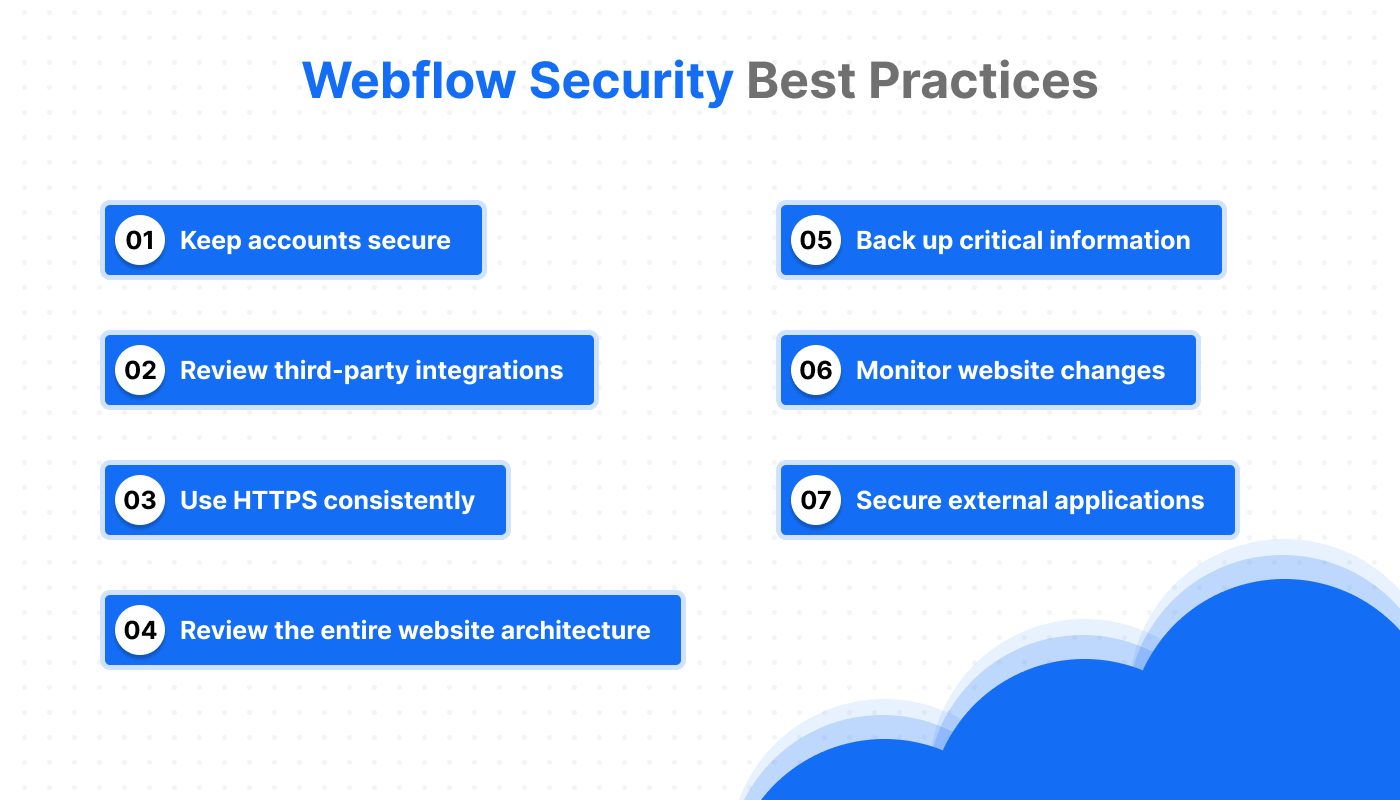
Even when using managed hosting, businesses should follow practical website security measures.
Keep accounts secure.
Use strong, unique passwords and enable available multi-factor authentication. Review team access regularly and remove permissions that are no longer needed.
Review third-party integrations
Only connect tools that your website actually needs. Review the permissions and data handled by each integration, and verify that external services follow appropriate security practices.
Secure external applications
If your Webflow website connects to a PHP application or API, keep that system's runtime, dependencies, and application code updated. Follow the official advisories relevant to that environment.
Use HTTPS consistently
Confirm that your published website uses HTTPS and that domain configuration and redirects work correctly.
Back up critical information
Maintain appropriate copies of important content, assets, and business data. Confirm the recovery options available for your website and connected services.
Monitor website changes
Review publishing access, unexpected content changes, suspicious account activity, and issues reported by security monitoring tools.
Review the entire website architecture
Identify which services host your website, process forms, store customer information, and provide application functionality. Each component may have different security responsibilities.
9. Conclusion
The latest PHP security vulnerabilities are a reminder that website security requires ongoing attention. Businesses running affected PHP versions should apply the relevant security updates and review their server and application environments.
For businesses using Webflow, the important distinction is that standard Webflow-hosted pages do not natively execute PHP. The October 2026 PHP runtime vulnerabilities therefore do not automatically affect those pages, although external PHP applications and connected services must be evaluated separately.
Webflow can be a practical choice for businesses that want a managed website platform with less direct server maintenance. It is particularly worth considering for marketing websites, lead-generation pages, and content-driven business websites that do not need a custom PHP backend.
The right decision depends on your current architecture, maintenance burden, functionality, and business goals. A technical and SEO review can help you determine whether to maintain your existing website, improve its security, or migrate to Webflow.
10. Need Help With a Webflow Migration?
If your current website is difficult to maintain, relies on unnecessary plugins, or requires frequent technical intervention, it may be time to review your options.
Our team can help assess your current website, identify technical SEO and user experience issues, and plan a Webflow migration that supports your business goals.
A migration should do more than change the platform. It should preserve important URLs, protect organic traffic, improve the user experience, and create a stronger foundation for lead generation.
Planning a move to Webflow? Get in touch with our team to discuss your website, migration requirements, and opportunities for improvement.
CTA button: Book a Webflow Consultation
11. Frequently Asked Questions
Is Webflow secure?
Webflow provides managed hosting and security-related platform features, reducing the need for customers to administer their own web server for standard hosted sites. However, businesses still need to secure their accounts, manage integrations, and review external applications.
Does Webflow use PHP?
Webflow does not natively execute PHP on its standard hosted website pages. If a website connects to an external PHP application or service, that system must be maintained separately.
Do the October 2026 PHP vulnerabilities affect Webflow websites?
Not automatically. The vulnerabilities CVE-2026-109618 and CVE-2026-109619 affect PHP runtime environments. Standard Webflow-hosted pages do not run PHP, but connected PHP applications and other external services may be affected.
Which PHP versions contain the October 2026 security fixes?
The PHP team announced fixes in PHP 8.5.12, 8.4.27, 8.3.36, and 8.2.35. Website owners should check the official PHP security announcements for the latest guidance and any subsequent updates.
Can migrating from PHP to Webflow improve website security?
It can reduce certain maintenance responsibilities when a business moves a marketing website away from a self-managed PHP environment. However, the result depends on the migration architecture, and any retained backend, API, or external service still requires appropriate security controls.
Is Webflow better than PHP for business websites?
Neither option is universally better. Webflow can suit marketing websites, landing pages, and content-driven business sites. PHP may be more suitable when a business requires custom server-side application functionality. The right choice depends on the website's requirements and maintenance resources.
Does Webflow eliminate website security risks?
No. Managed hosting can reduce some infrastructure responsibilities, but risks involving account access, third-party integrations, external applications, data handling, and website configuration still need attention.
Should I migrate my website because of the latest PHP vulnerabilities?
Not necessarily. If your current PHP website is affected, prioritize applying the official security fixes and reviewing your environment. Consider Webflow migration if it also fits your website's functionality, maintenance needs, and long-term business strategy.



Choose Our Service, Grow Fast!
Follow Us


Table of Contents
Related Posts


October 24, 2026
Discover 5 practical ways an online notepad can streamline your daily tasks, boost productivity, and help you stay organized effortlessly. Perfect for work or personal use!
Discover 5 practical ways an online notepad can streamline your daily tasks, boost productivity, and help you stay organized effortlessly. Perfect for work or personal use!


Discover 35+ of the best Webflow design and development agencies in 2026. Compare services, expertise, pricing, and find the right Webflow partner for your business.
Discover 35+ of the best Webflow design and development agencies in 2026. Compare services, expertise, pricing, and find the right Webflow partner for your business.
October 21, 2026
Explore Webflow MCP 2.0 with a step-by-step setup guide covering AI tools, CMS management, SEO workflows, practical prompts, security, and best practices for web development.
Explore Webflow MCP 2.0 with a step-by-step setup guide covering AI tools, CMS management, SEO workflows, practical prompts, security, and best practices for web development.
Ready to Scale Your Project to the Next Level?
Let's take your project to new heights, reach out and see how we can help you.